/dp/B072BK693N?tag=diagnosticsto-20
Check first: A relearn trigger is not the same as a full TPMS programming tool.
Check availability on Amazon
Updated Aug 11, 2026Shortlist fit, limitations, and ownership terms reviewedHow we evaluate
Independent buying guide
Best TPMS Reset Tool
Reset, relearn, and programming tools for tire pressure monitoring systems. This guide is built to help you choose by job, not by hype.
Short answer: Do not buy a TPMS tool until you know whether you need activation, relearn, sensor programming, or all three.
TPMS research separates simple reset/relearn triggers from tools that can program sensor IDs before the relearn step.
Buying checks that matter
- Sensor activation
- OBD relearn support
- Sensor programming
- 315 MHz, 433 MHz, or dual-band fit
Compatibility-first path
Choose the smallest suitable tpms tools path before opening a listing.
Buyer constraint: Do not buy a TPMS tool until you know whether you need activation, relearn, sensor programming, or all three.
Limitation: A trigger tool, relearn tool, and sensor programmer are not interchangeable. Match the tool to the sensor brand and the vehicle's relearn procedure. A product can fit one job and still be the wrong purchase when the vehicle, material, adapter, app, update term, or confirmation method changes.
/dp/B08CBW1343?tag=diagnosticsto-20
Check first: TPMS-only tools are not full diagnostic scan tools unless paired with another scanner.
Check availability on Amazon
/dp/B0B42Z388K?tag=diagnosticsto-20
Check first: The cost is harder to justify for occasional tire rotations.
Check availability on Amazon
Models to compare first
| Product | Best fit | Check before buying | Profile |
|---|---|---|---|
| VXDAS TPMS Relearn Tool | Simple relearn procedures on supported vehicles. | A relearn trigger is not the same as a full TPMS programming tool. | View profile |
| Autel MaxiTPMS TS508WF | Sensor activation, programming, OBD relearns, and TPMS status checks. | TPMS-only tools are not full diagnostic scan tools unless paired with another scanner. | View profile |
| ATEQ VT57 | High-volume TPMS service where guided relearn workflows and coverage matter. | The cost is harder to justify for occasional tire rotations. | View profile |
| Autel MaxiTPMS TS408S | Buyers who need TPMS activation and service without the full TS508 feature set. | Do not assume it can program every sensor type or perform every relearn path. | View profile |
| ATEQ QuickSet X | Seasonal wheel swaps and supported TPMS relearn procedures where sensor IDs must be transferred to the vehicle. | It is not a universal blank-sensor programmer. Verify the vehicle relearn method and supported workflow first. | View profile |
Shortlist
Products in this guide

TPMS Tools · $
VXDAS TPMS Relearn Tool
Useful for the beginner side of the TPMS cluster.
- Best for
- Simple relearn procedures on supported vehicles.
- Check first
- A relearn trigger is not the same as a full TPMS programming tool.
Compare fit and alternatives in Best TPMS Reset Tool.
TPMS Tools · $$$
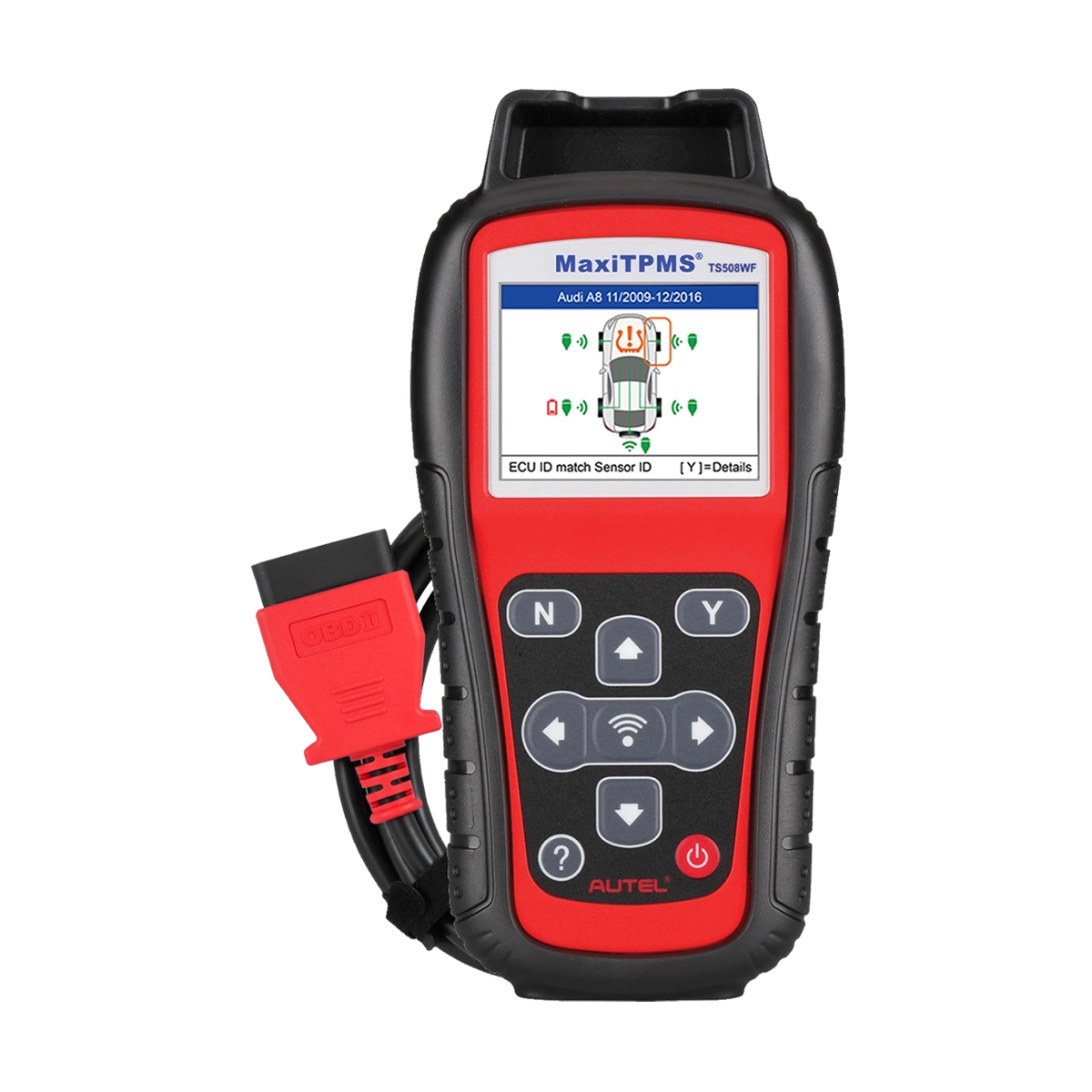
Autel MaxiTPMS TS508WF
A strong TPMS anchor product because it separates relearn, programming, and diagnosis.
- Best for
- Sensor activation, programming, OBD relearns, and TPMS status checks.
- Check first
- TPMS-only tools are not full diagnostic scan tools unless paired with another scanner.
Compare fit and alternatives in Best TPMS Reset Tool.
TPMS Tools · $$$$
ATEQ VT57
A pro-grade TPMS comparison product for shop-oriented pages.
- Best for
- High-volume TPMS service where guided relearn workflows and coverage matter.
- Check first
- The cost is harder to justify for occasional tire rotations.
Compare fit and alternatives in Best TPMS Reset Tool.
TPMS Tools · $$
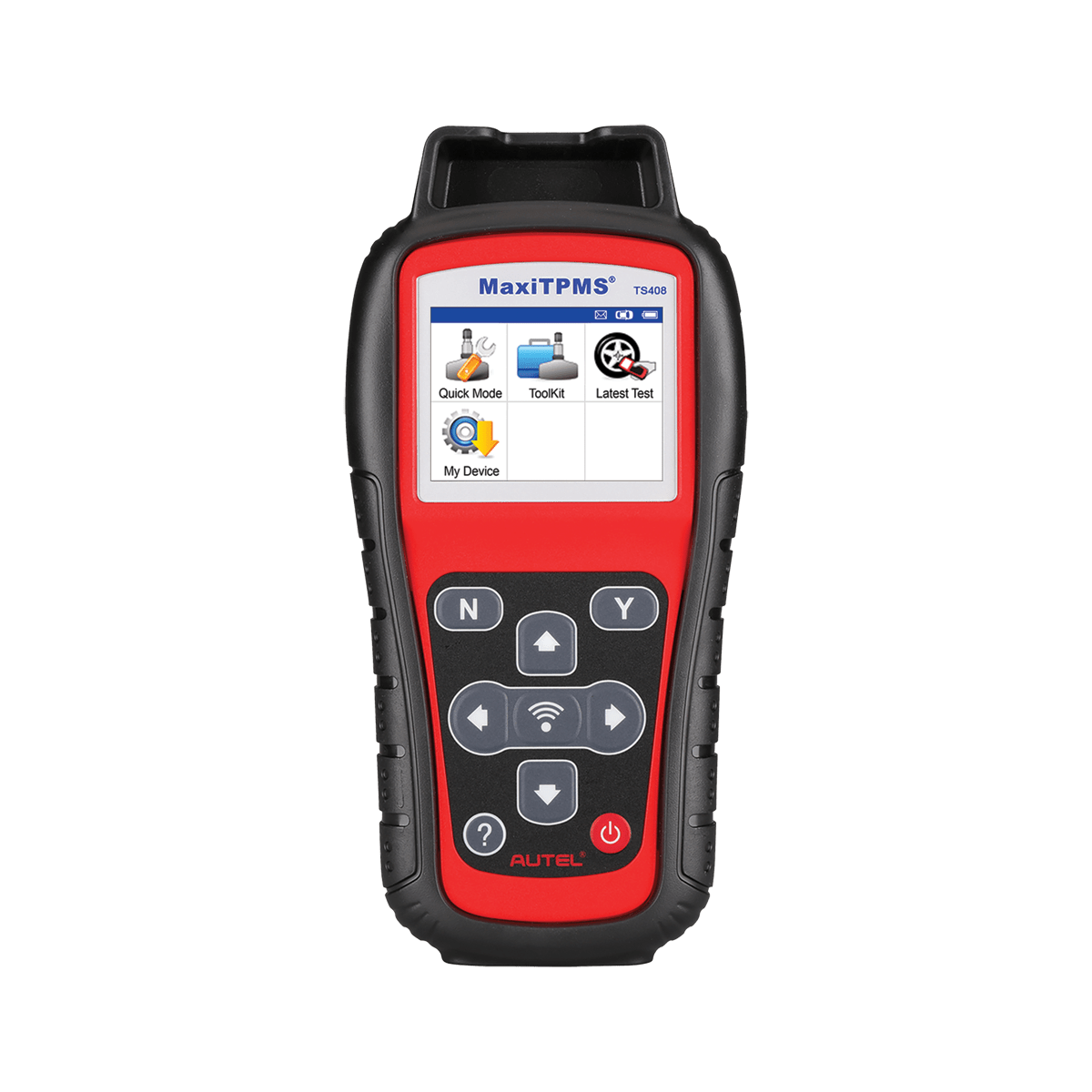
Autel MaxiTPMS TS408S
A midrange TPMS product that helps clarify quick-mode versus advanced TPMS work.
- Best for
- Buyers who need TPMS activation and service without the full TS508 feature set.
- Check first
- Do not assume it can program every sensor type or perform every relearn path.
Compare fit and alternatives in Best TPMS Reset Tool.
TPMS Tools · $$
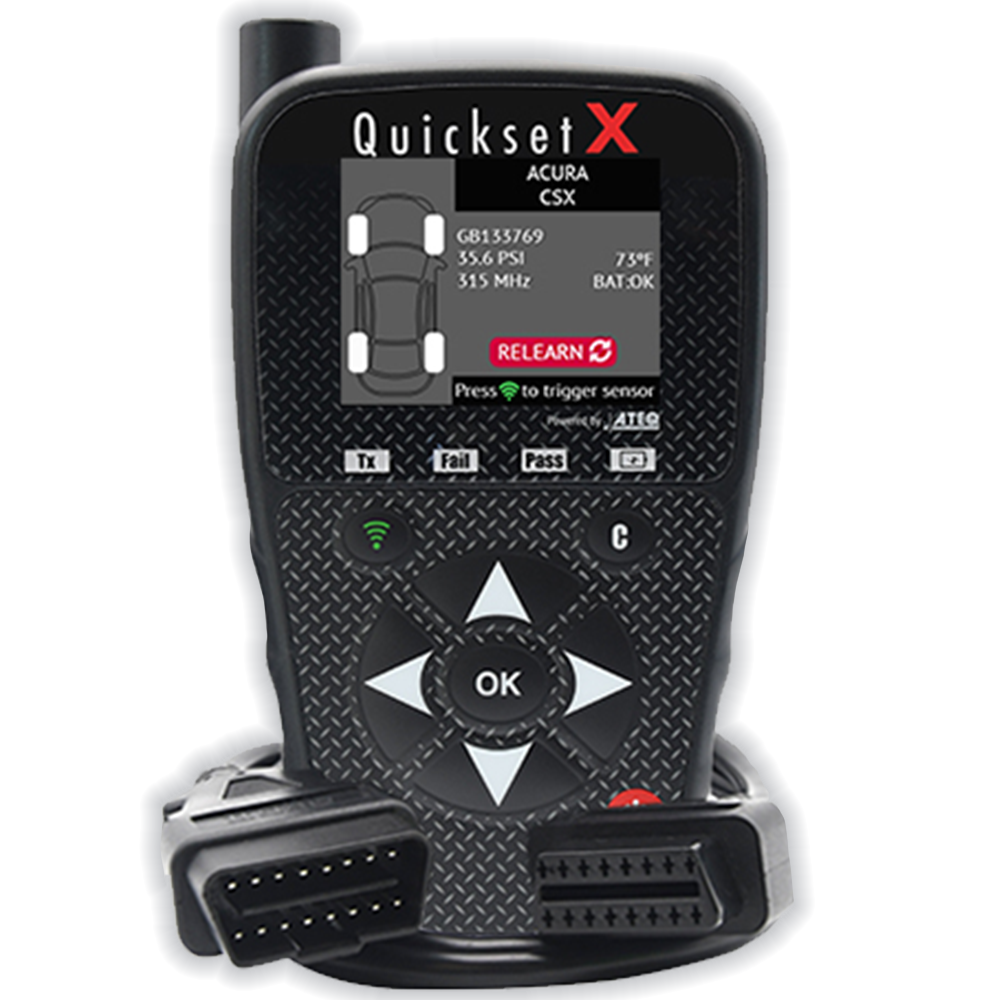
ATEQ QuickSet X
A focused TPMS candidate for supported wheel swaps and relearns when a simple trigger tool is not enough.
- Best for
- Seasonal wheel swaps and supported TPMS relearn procedures where sensor IDs must be transferred to the vehicle.
- Check first
- It is not a universal blank-sensor programmer. Verify the vehicle relearn method and supported workflow first.
Compare fit and alternatives in Best TPMS Reset Tool.
How to choose
Match the tool to the job first. A cheap tool can be perfect for a simple code check and frustrating for ABS, SRS, TPMS, battery registration, or active tests. A high-end tool can also disappoint if its coverage does not include your exact vehicle.
- Write down the vehicle year, make, model, engine, and system.
- Check whether updates are free, paid, or subscription-based.
- Verify the return policy before testing compatibility.
- Prefer clear limitations over vague feature claims.
How we evaluate the shortlist
We separate manufacturer-documented capability from editorial fit. Compatibility, measurement limits, included hardware, software terms, support clarity, and the safer alternative all matter before hands-on evidence is available.
Read the testing methodRelated guides
Ford TPMS Relearn Tool Checklist
Ford TPMS jobs can require activation, a manual relearn sequence, OBD transfer, or sensor programming. Identify the exact procedure before buying a tool.
TPMS Reset Scan Tool vs Dedicated TPMS Tool
A scan tool and a dedicated TPMS tool can solve different parts of the warning-light path: module communication, sensor activation, relearn, and sensor programming are not the same job.
Autel vs ATEQ TPMS Tool: Relearn, Programming, and Sensor Fit
Autel and ATEQ TPMS tools should be compared by activation, relearn, programming, sensor-brand support, OBD procedures, update terms, and the vehicles you service.
Autel TS408S vs TS508WF: TPMS Tool Step-Up Checks
Compare Autel TS408S and TS508WF by TPMS activation, programming depth, OBD relearn support, sensor coverage, update path, and whether the higher tier is justified.
VXDAS vs Autel TPMS Tool: Simple Relearn or Programming Tool?
VXDAS-style relearn tools fit simple supported procedures, while Autel TPMS tools can fit broader programming and OBD workflows; choose by the TPMS job, not price alone.